E·BIZI Pay help
E·BIZI Pay runs your payroll. You add your people once, and each month it works out the tax, produces the payslips, builds the file your bank needs, and tracks what you owe SARS.
Finding your way around
Three things in the sidebar do the work.
Payroll is the month you are in. Every employee appears as a row you can open, with their gross, deductions and net pay.
Employees is everyone on your books, including people who have left.
Processing is the month-end checklist: paying people, payslips, accounting entries and the SARS submissions. It only appears once you are signed in.
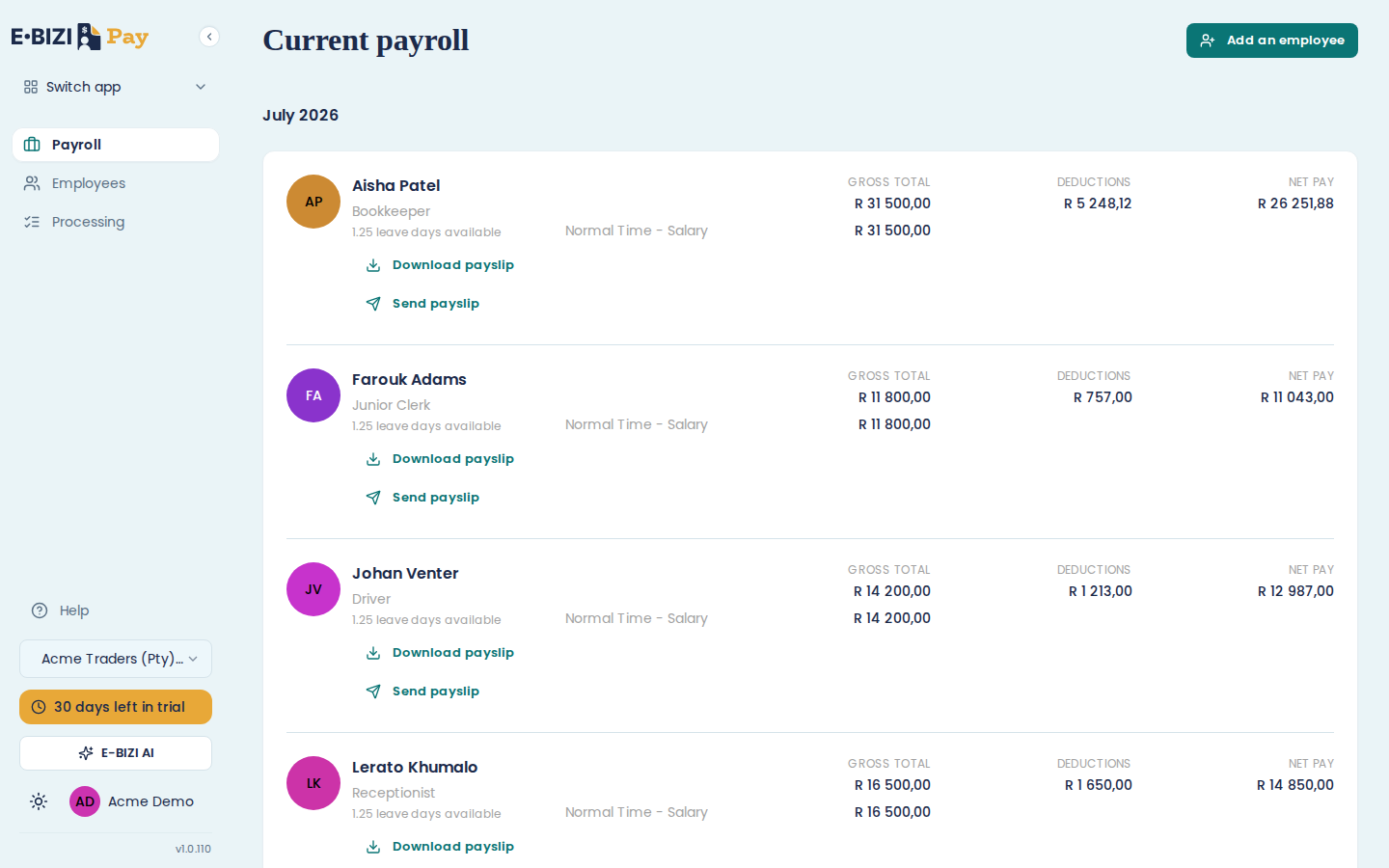
Below those, the sidebar shows which company you are in and how many days are left in your trial. If you have more than one business, that company control switches between them.
Where to start
New to E·BIZI Pay? What you need before you start, then add your first employee.
Running a month? The payroll screen and close a payroll period.
Month end? The Processing dashboard.
E·BIZI Pay and the law
These guides explain how to use it. For the rules behind the numbers, the E·BIZI guides cover how PAYE works, UIF, SDL and what has to appear on a payslip.
Every E·BIZI Pay article
Getting started
Employees
Payroll
Leave
Payslips
Payments
SARS
Settings
Troubleshooting