Upload your own fonts
Upload a font and your documents print in your brand's typeface instead of a substitute. Without it you are limited to the four fonts Papers ships, and everything else in the font list is a gamble on the PDF.
Which fonts Papers can put in a PDF
Papers ships and embeds four families: Inter, Roboto, Lato and Calibri. Pick one of those and the PDF is exactly what the editor showed you.
For Calibri, both the editor and the PDF use Carlito, a free font made to the same measurements, so text takes up the same space it would in Calibri.
The font list in the editor also offers Arial, Cambria, Courier New, Georgia, Helvetica, Times New Roman, Trebuchet MS and Verdana. Those are system fonts, not files Papers holds, so a document set in one of them prints in whatever the PDF engine substitutes. Your screen shows Arial and the PDF does not.
That is why uploading matters. A font you have uploaded is embedded in the PDF, and Arial from your own licensed files is Arial everywhere.
Upload a family
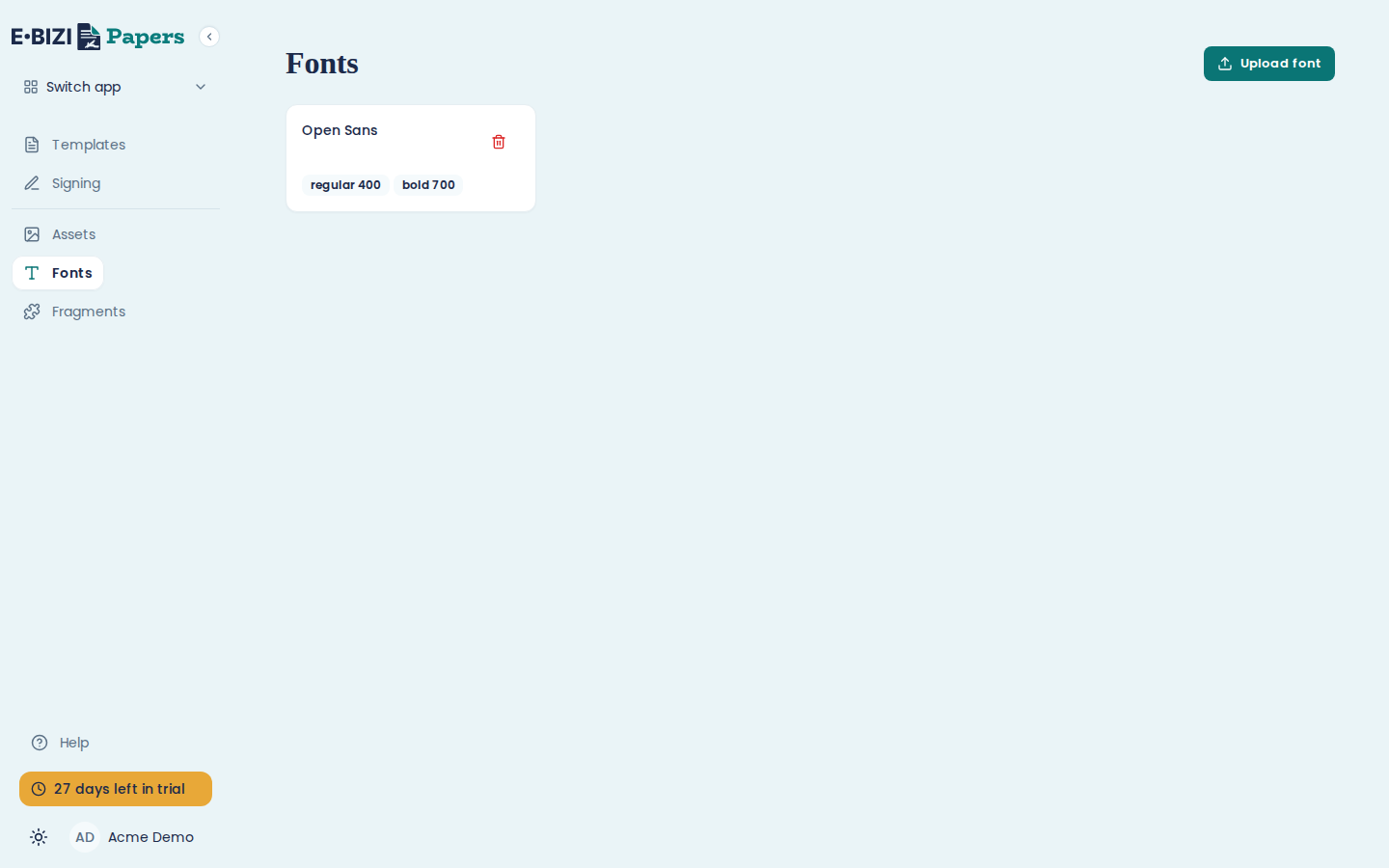
Open Fonts in the sidebar and choose Upload font.
Give the family a Family name, then add the font files. Papers accepts .woff2, .woff,
.ttf and .otf, up to 5 MB per file.
It reads each file to work out its weight and style, so a file called OpenSans-Bold.woff2
arrives as bold 700 without you saying so. Both are editable per file if it guesses wrong, or if
the file is named badly.
Before Upload becomes available, you tick We are licensed to use these fonts for document generation. See licensing is yours.
Upload every weight you use
A family is a set of files, one per weight and style. Upload the regular and the bold together, and the italics too if your documents use them.
A family with only a regular face still works, but bold text in your document is then synthesised by the PDF engine rather than drawn from your bold file. It is close, and a designer will see it.
Use the font in a template
Once uploaded, the family appears in the editor's font picker alongside the built-in ones. Set it on the document's default so everything follows, rather than selecting text and applying it in twenty places.
What happens when you publish
A published version keeps the exact font files it was published with, so replacing a font later cannot change an invoice you sent in March. Publish again to move a template onto the new files.
Licensing is yours
Uploading a font file to Papers is you putting it on a server that generates your documents. Your foundry licence has to allow that. Most retail licences cover it and some do not.
That is what the We are licensed to use these fonts for document generation tick box is asking. Papers cannot read your licence, so ticking it is your word that the licence covers this. Check before you tick.